Design. Prove. Ship.

An agent that designs robots from real parts,
inside the workspace your team already reviews in.

See the loop

Design partner program · open for Actuate 26

Scroll down

Hardware revs weekly.The model doesn’t.

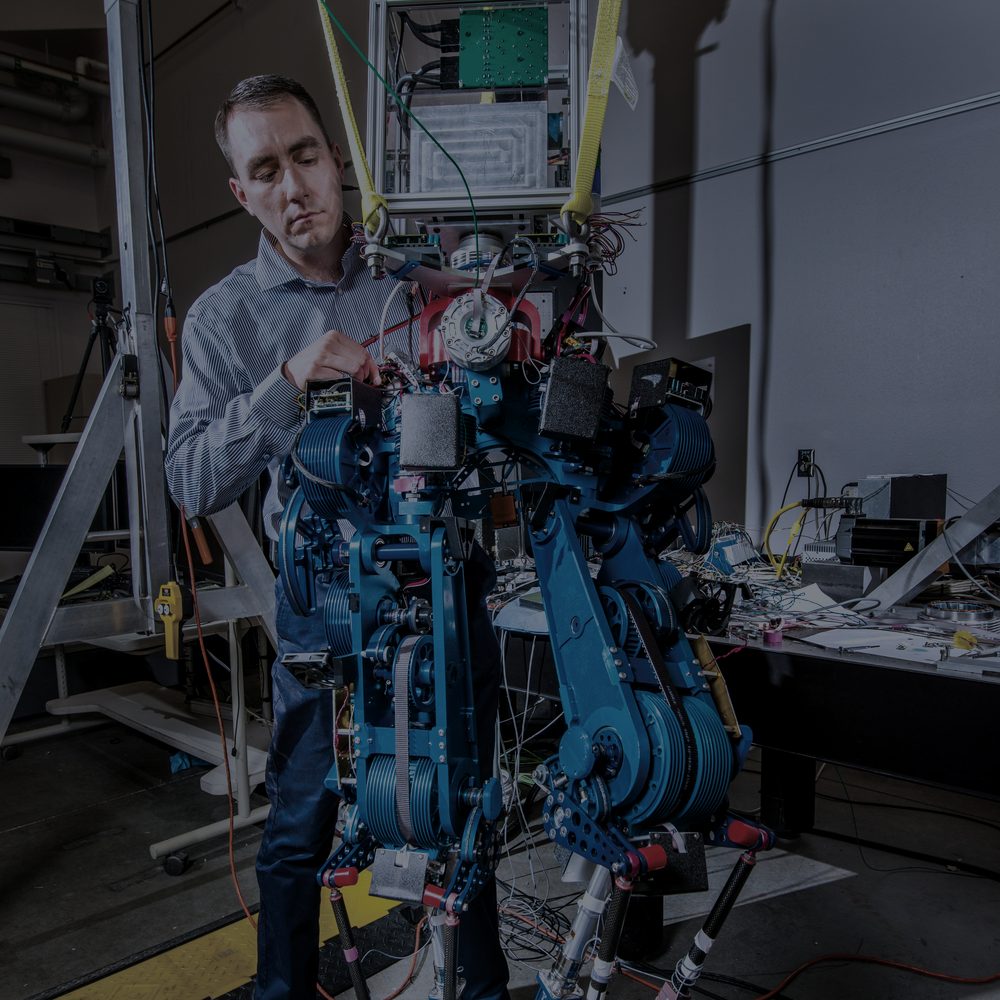
The handoff from mechanical to simulation is a zip of meshes, hand-edited XML and tribal knowledge. A 510-respondent survey of URDF users by Tola and Corke found the format cannot express the closed chains humanoids are actually built from — so every engine gets its own private fix. Changes land with no diff, and the training run finds out first.

The four-bar knee, run both ways.

Today

The knee is a closed chain, so URDF cannot express it. Every engine gets its own hand-maintained hack, and the three disagree.

CadSyn

The loop is an equality constraint in the MJCF core. Export to URDF and the degradation report says exactly what was dropped, and why.

OutcomeThe model stops trailing the hardware — every rev compiles, every change is reviewable, and the same model is the one that reaches the customer.

See the plans
weeks hand-built sim model
per hardware rev
= same rev
15 min compiled from CAD
valid in MuJoCo

Design target from the CadSyn spec · measured from CAD connect to first valid model

One workspace · eight pillars

  • AGENTDesign
  • SYNCDesign
  • MODELDesign
  • SIMProve
  • REVIEWProve
  • CATALOGSource
  • SCENEShip
  • PLATFORMShip

Start with the model.Everything else follows.

One living model of the robot — every engine, every reviewer and every customer reading from the same revision.

1 / 3

Design

Describe the robot, or connect the CAD. The agent drafts the kinematic tree, picks real SKUs from the catalog, and compiles MJCF and URDF with the closed chains intact.

2 / 3

Prove

Settle, drop, payload and actuation tests run before a human looks. The agent reads the failures and iterates; the cloud runners check MuJoCo, Isaac and Gazebo agree.

3 / 3

Ship

The change arrives as a reviewable diff with the sim evidence and the BOM attached. Approve it, then share the same model as a link a customer can open.

The eight pillarsCadSyn ships behind.

Pillars cut along the question an engineer is actually asking — can I get it into a model, can I prove it, what is it made of, who else can see it.

The front door — describe the robot and it drafts the structure, picks real parts and proves the design in simulation before a human reads a line of it.

  • Supplier‑groundedBudget, payload, reach and DOF resolve to real actuator SKUs
  • Simulation is the compilerSettle, drop, payload and actuation tests, run before a human reviews
  • Changes as pull requestsAgent actions land in the same history humans use, never silently
  • Repair & inspectionPaste a broken URDF; paths, inertias and units come back fixed
  • Model Q&AAsk a model what the reflected inertia is at the knee
  • Prompt‑to‑sceneEnvironments and task scenarios generated from text, grounded in real scene assets
  • Dogfooded toolingThe agent uses the same MCP tools third-party agents get

CAD stays the source of truth, so the model is compiled from it rather than rebuilt by hand every rev.

  • Onshape connectorCloud API, an assembly-to-kinematic-tree mapping UI for mates, and incremental re-sync on every document version
  • SolidWorks add‑inReads the assembly tree, mates and mass properties, straight from the desktop
  • STEP universal importPlus Fusion 360 and 3DEXPERIENCE connectors on the same adapter interface
  • Sync diffingEvery CAD revision lands as a structural and geometry diff

MJCF at the core, because the closed chains a humanoid knee actually uses cannot be written in URDF at all.

  • MJCF‑first coreClosed chains as equality constraints, with a degradation report on export
  • Components & instancesA gripper or leg is one component, instanced across robots
  • Variants without macrosArm lengths and end effectors as named configurations, not Xacro macros
  • Asset & path managerMeshes and textures as managed assets, with package:// and relative paths rewritten per export target
  • Collision & inertiaConvex decomposition, mesh decimation, inertia from CAD mass properties, unit checks and one-click autofix
  • Self‑collision matrixAuthor contact exclusion pairs visually instead of by hand in XML
  • Model lintingInertia plausibility, joint limit sanity, mesh watertightness and naming conventions, scored on every compile
  • Frames & posingFrame editing with snapping, distance and clearance measurement, pose libraries, reach and workspace envelopes
  • Sensor placementCameras, lidars and IMUs with FOV frustums, exported per engine

Physics in the browser tab, then cloud runners whose job is to make three engines agree.

  • In‑canvas physicsMuJoCo WASM play, pause and joint drag, with contact, center-of-mass and inertia overlays
  • Engine quirk profilesA maintained database of importer behavior — articulation roots, fixed-link merging, path resolution — applied per export
  • Cross‑engine truth packsCloud runners hold three engines to the same fixture set
  • Export presetsMJCF, URDF, USD for Isaac, SDF, MJX-ready flattening, and one-click ROS 2 description packages
  • Domain randomizationMass, friction and damping ranges, exported to Isaac Lab and MJX
  • Trajectory playbackMCAP, rosbag or CSV replayed on the model
  • System identificationActuator and friction parameters fitted from telemetry
  • Hardware in the loopWeb Serial mirrors joint state between browser and servo-class hardware
  • Photoreal scenariosGaussian splat environments alongside mesh scenes, from real captures and generations

Branches, diffs, comments and approvals — the review flow the software half of your team already has.

  • Cloud model, share linksViewer, commenter, external-customer and supplier roles, with no-login viewing
  • Supplier collaborationVendors comment on the parts they supply, not in an email thread
  • Presence & co‑editingReal-time editing on the same model, cursors included
  • Branches & mergeBranches, visual merge with a conflict UI, required reviewers
  • 3D visual diffStructural tree diff plus changed-geometry highlighting between any two revisions
  • Pinned commentsResolvable threads attached to a link, a joint or a geom
  • CI integrationA webhook on model change, and a GitHub Action that runs smoke sims
  • Local sync, Git‑nativeThe workspace is a layer over your files, not a place they live

Real parts with real numbers — the reason a generated design is buildable, and the reason the bill of materials is live.

  • Verified vendor dataTorque curves, reflected inertia, gear ratios, thermal limits, prices and lead times
  • Joint‑to‑SKU referencesEvery joint carries an SKU, not an abstract effort number
  • Vendor programSeeded from public datasheets, then claimed and certified by the makers, with a verification badge
  • Auto‑generated datasheetsOne-click spec sheet — kinematics, mass properties and BOM — as a PDF

The share link becomes the sales tool: a customer configures and runs the robot in a browser tab, with no CAD seat and no zip file.

  • Parameterized sharesPayload, reach and end effector exposed on a customer-facing link
  • Scenario authoringEnvironments, object sets, spawn randomization and task definitions as composable, versioned scenes
  • Embeddable viewerWhite-label the viewer into an OEM site or a proposal

Everything above, reachable by code — and by the agents your team already runs.

  • Python SDK & registryAny robot at any version, pulled programmatically — semantic versioning included
  • Public model hubFree hosting for open models, with per-model licensing, provenance tracking, forking and embeddable viewers
  • MCP server & render APIAgents read, lint, modify and screenshot models; the same tools power the in-house design agent
  • Foxglove interopPublish as a URDF asset; take MCAP logs back
  • Standards participationThe degradation reports and the quirk database are the evidence the URDF standardization effort needs
  • Enterprise readinessSSO/SAML, RBAC, audit trails, and VPC or on-prem — the ITAR-compatible path
Read the full spec

The complete CadSyn product spec, all eight pillars · released on request

Open where it counts.Hosted where it matters.

Loaders, viewer, SDK and the sync CLI are open source. Cloud sync, diff, review, the agent, the catalog and the configurator are ours to run.

Start a design partnership

Three to five design partners for the first cohort.

  1. 01 · Connect

    Onshape, SolidWorks or a STEP file. Minutes, not a migration.

  2. 02 · Compile

    Collision, inertia, joints, actuators, closed chains — scored every time.

  3. 03 · Review

    Every change, human or agent, is a diff with sim evidence attached.

  4. 04 · Share

    One link to a teammate, a supplier, or your customer’s browser tab.

One model,every place the robot has to exist.